

Compte Contact
Votre panier
Black Weekjusqu’à −30 %encore 4 j 23:51:58
DPD et FedEx – date de livraison indiquée sur la page produit
Besoin d’aide ? Demandez à notre IA

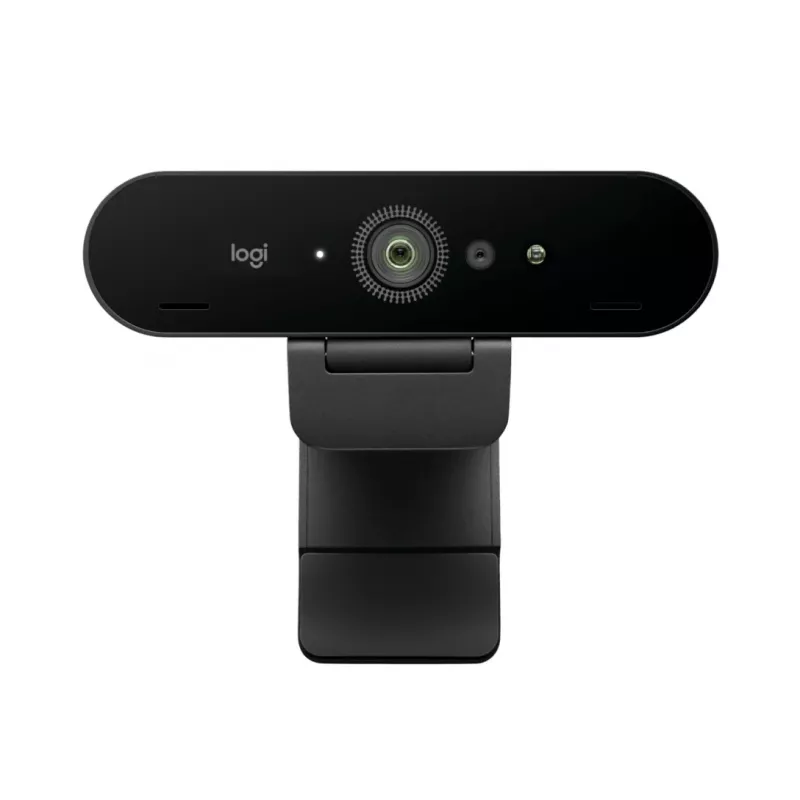
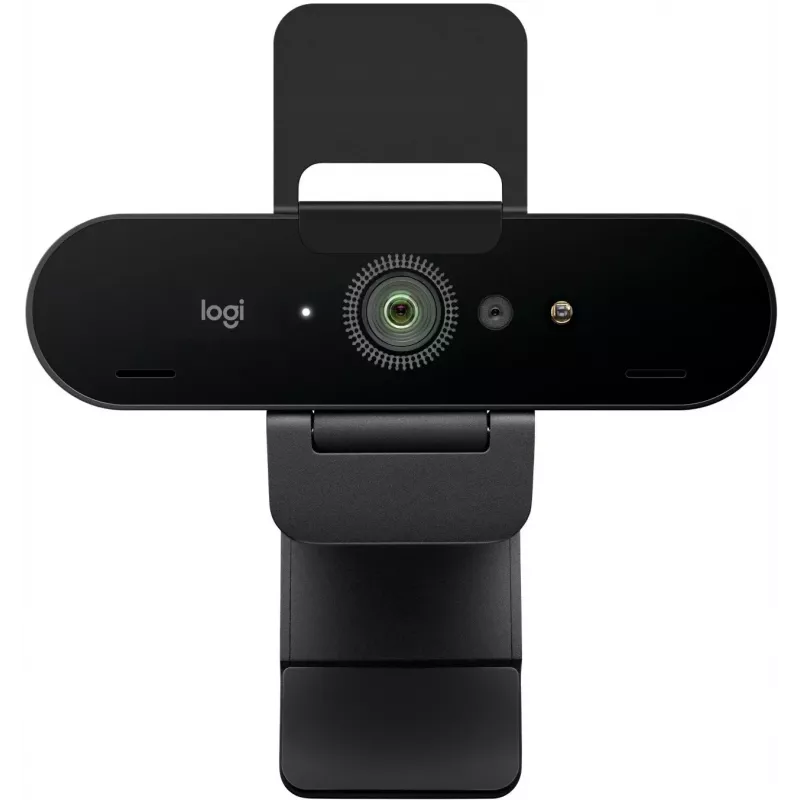
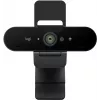
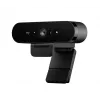
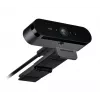
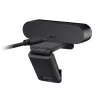
Webcam Logitech BRIO 4K 13 MP USB graphite 4096 x 2160 pixels

Webcam Logitech BRIO 4K 13 MP USB graphite 4096 x 2160 pixels
-11%
Black Week
Webcam Logitech BRIO 4K 13 MP USB graphite 4096 x 2160 pixels
136,95 €
153,69 €−11 %
PDF
PDF
Disponibilité 1 Référence 30581 Modèle 960-001718 Garantie 2 ans

Livraison et retours

Livraison estimée jeudi 10 décembre
Vous serez tenu informé grâce à notre système de suivi détaillé
Options de paiement
Carte bancaireVisaMastercardApple PayGoogle PayVirement bancaire

Posez une question – l'assistant IA répond tout de suite.

Description

PROFESSIONAL QUALITY VIDEO CALLS IN 4K HD
Elevate your video collaboration with the Brio 4K webcam, crafted for professional performance. Capture every detail with stunning resolution and color. Enjoy ultra-smooth asynchronous sharing and recording at up to 90fps for fluid streaming.

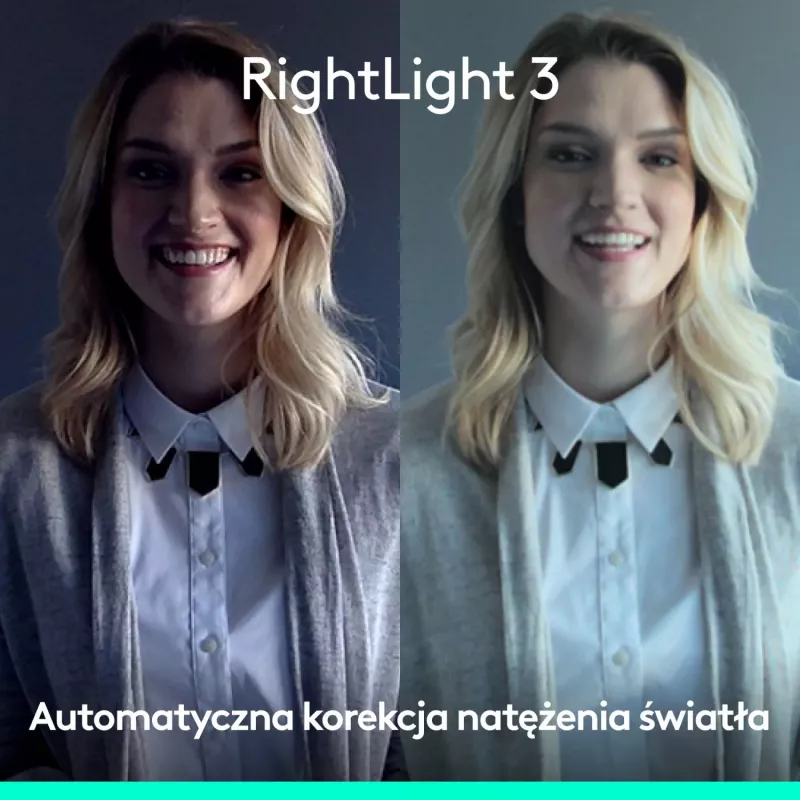
A PROFESSIONAL IMAGE IN ANY LIGHT
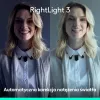
Meet, stream, and record with Brio 4K in any lighting and always look professional on video. RightLight 3 with HDR automatically adjusts for low light, direct sunlight, or high contrast, ensuring you're always the focus.

EXCEPTIONAL AUDIO EVERYWHERE
Conversations sound natural and clear with Brio 4K. Dual omnidirectional mics capture sounds up to 3 feet away, while active noise cancellation keeps you focused, suppressing distracting background noise for seamless collaboration.

FOCUS ON YOU
The 65° diagonal preset is ideal for optimal eye contact and face-to-face conversations where you want the focus on you, not so much the workspace around you.

BALANCED FRAME
The 78° diagonal preset reveals more of your setting, providing a fuller glimpse into your physical environment while also maintaining good eye contact.

FULL CONTEXT
The 90° wide-angle preset displays even more of your environment and is ideal for showing physical objects and whiteboard content on camera.

ULTRA-SMOOTH RECORDING
Brio 4K maintains up to 90 fps in any lighting for high-quality recording, asynchronous presentation sharing, and fluid broadcasts that follow your every move. High frame rates are perfect for slow motion or extra-smooth, fluid video streaming.

SECURITY MEETS CONVENIENCE
Sign in securely and easily to your computer with Windows Hello facial recognition—it's one less password to type or remember. Simply look into the Brio 4K lens and you’re in.

FUEL YOUR CREATIVITY
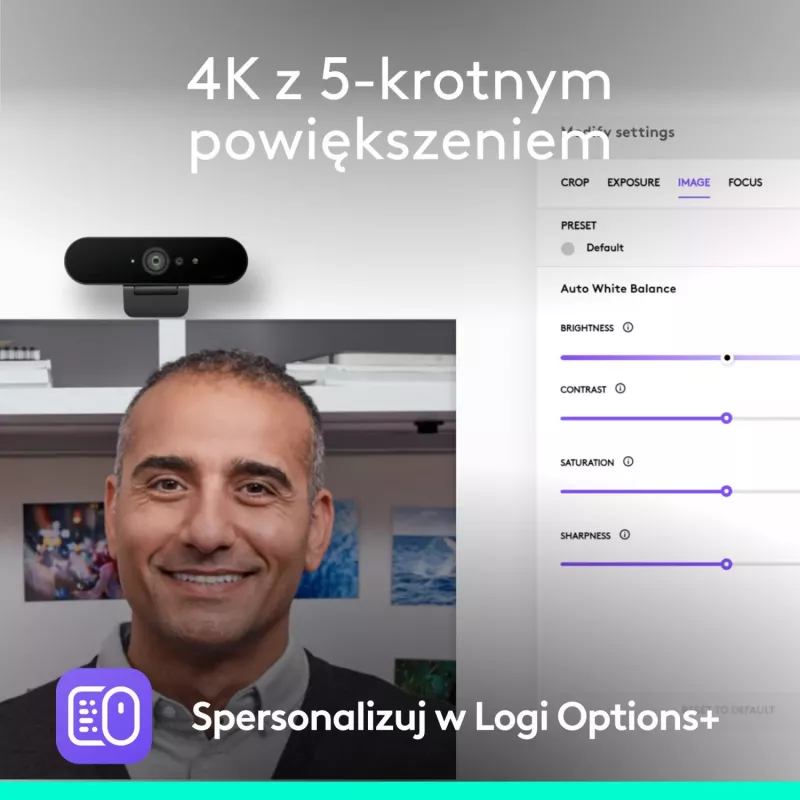
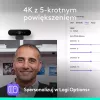
Whether you're meeting virtually, streaming live, or recording, Brio 4K optimizes your video experience. With Logi Options+, personalize your appearance using custom filters, dFOV, and more, ensuring you always look your best for your audience. *Requires Logi Options+ app. Logi Options+ only available on Windows and macOS. Download or view software compatibility at logi.com/optionsplus

HIGH QUALITY VIDEO CALLS
Enhance your desktop video meetings to first-class quality with Brio 4K. RightLight 3 and HDR adjust to present you at your best in any lighting, from low light to bright sunlight. Record smoothly at up to 90 fps. Dual mics with noise reduction capture clear sound up to one meter away.

A PERFECT FRAMING
Select from three diagonal field of view settings to frame your video perfectly. Use Logi Options+* presets for an ideal head-and-shoulders view (65° diagonal) or to showcase more surroundings (78° or 90° diagonal). *Requires Logi Options+ app. Logi Options+ only available on Windows and macOS. Download or view software compatibility at logi.com/optionsplus

High Performance. Engineered Responsibly.
We engineer our products for speed, precision, and high performance, all while considering sustainability as a key criteria throughout every stage of the product development process

How to use

Connect the Brio 4K to a compatible computer via the USB interface. Select the camera in your video-conferencing or streaming application, then choose the desired diagonal field-of-view preset (65°, 78° or 90°) for framing. Enable RightLight 3 and HDR if available in your software for optimal exposure in challenging lighting. For secure sign-in, set up Windows Hello facial recognition following your operating system prompts. Install Logi Options+ on Windows or macOS to access additional presets, filters, and customization options.

Recommendations

Place the webcam at eye level and use the 65° preset for close-up head-and-shoulders framing, 78° to show more of your workspace, or 90° to include objects and whiteboards. For best audio, position yourself within one meter of the camera and reduce background noise sources. Download Logi Options+ to fine-tune appearance settings and ensure your system meets software compatibility listed at logi.com/optionsplus.

Caractéristiques

Caractéristiques
Alimenté par USB
Oui
Câbles inclus
USB Type-C vers USB Type-A
Capacité de zoom
Oui
Certificats de durabilité
Forest Stewardship Council (FSC)
Champ de vision diagonal
90°
Couleur du produit
Graphite
Fréquence d’images maximale
90 ips
Hauteur
27 mm
Hauteur de l’emballage
111.4 mm
Interface
USB
Largeur
102 mm
Largeur du colis
72 mm
Manuel
Oui
Matériau de la lentille
Verre
Mégapixels (env.)
13 MP
Microphone intégré
Oui
Mise au point automatique
Oui
Modes vidéo pris en charge
720p, 1080p, 2160p
Nombre de microphones
2
Numéro de classification de contrôle des exportations (ECCN)
EAR99
Pince pour écran LCD
Oui
Poids
85 g
Poids du colis
300 g
Portée de captation du microphone
1.2 m
Profondeur
26.5 mm
Profondeur de l’emballage
140 mm
Quantité
1
Réglage de la mise au point
Auto
Résolution selon la vitesse de capture
1280x720@90fps, 1920x1080@60fps, 4096x2160@30fps
Résolution vidéo maximale
4096 x 2160 pixels
Systèmes d’exploitation Mac pris en charge
Mac OS X 10.10 Yosemite, Mac OS X 10.11 El Capitan, Mac OS X 10.12 Sierra, Mac OS X 10.13 High Sierra, Mac OS X 10.14 Mojave, Mac OS X 10.15 Catalina, Mac OS X 10.15.3 Catalina, Mac OS X 11.0 Big Sur, Mac OS X 12.0 Monterey, Mac OS X 13.0 Ventura, Mac OS X 14.0 Sonoma, Mac OS X 15.0 Sequoia
Systèmes d’exploitation Windows compatibles
Windows 10, Windows 11
Type de caméra HD
4K Ultra HD
Type de directivité du microphone
Omnidirectionnel
Type de montage
Clip/support
Zoom numérique
5x
Points clés
  • Sensor resolution: 13 MP (4096 × 2160 pixels)
  • Maximum frame rate: up to 90 fps
  • Video: 4K Ultra HD
  • Microphone: built-in dual omnidirectional microphones with noise cancellation
  • Interface: USB
  • Mounting type: clip / stand
  • Color: Graphite

Brochure

Ouvrir Brochure
Historique des prix des 6 derniers mois
Webcam Logitech BRIO 4K 13 MP USB graphite 4096 x 2160 pixels
Actuel
136,95 €
Le plus bas 7 j
133,84 €
Le plus haut 7 j
153,69 €
Variation 24 h
-16,74 €   -11%
Variation 7 j
-6,43 €   -4%
Variation 30 j
-9,52 €   -6%

Écrire un avis

Note *
Remarque : le code HTML n’est pas interprété.

Plus de produits LOGITECH dans cette catégorie

12

Produits populaires dans cette catégorie

3
Vendeur : UAB KUR LT · Gariūnų g. 57-14, LT-02300 Vilnius, Lituanie · N° d’entreprise 303192950 · N° TVA LT100008198612 · Expédition depuis l’UE (Lituanie)
WhatsApp
Messenger
Bonjour, je suis l’assistant IA de DistriNode. Je peux vous aider à trouver des produits, comparer des options, créer des devis PDF ou ouvrir des demandes d’assistance.
Toutes les catégories